Mobile apps and access

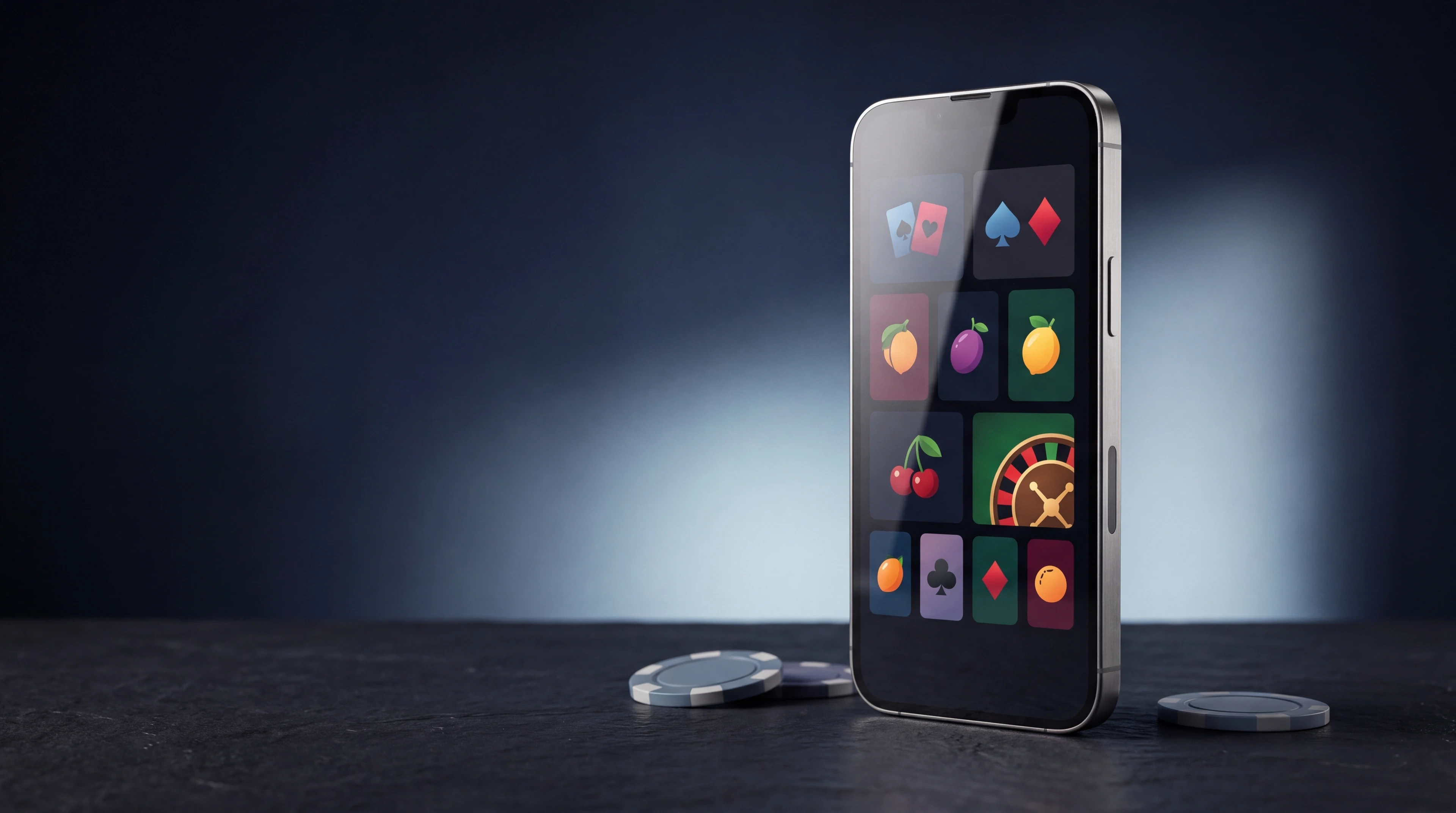
Unbranded smartphone displaying a wordless casino-app tile grid.

View how you open Fruta Casino on a phone or tablet. Whether you can install an app or use the browser depends on your device, region, and what is available on the official platform.

Open on Android

iOS app and PWA

On iPhone, you can use the casino either in a browser or through a separate iOS app, if one is available. The availability of the app should be checked from the service's own pages and from the App Store before downloading. Make sure that the app publisher corresponds to the service, and check the operating system requirements and the app's latest update.

PWA or progressive web app works in a browser and can usually be added to the iPhone home menu using the browser's share feature. It will then open in an app-like view, but is still a web service. Performance and available features may vary depending on the browser, iOS version and internet connection.

Before playing, verify that the website opens with a secure connection and that login and account settings are easy to find. Compare the ease of use of the browser and possible app, for example download speed, screen layout and notification settings. Do not install an app from an unofficial source, and do not give your credentials to a page whose address or publisher seems suspicious.

  • Check from the service's own pages and from the App Store whether the iOS app is available, who has published it and what iOS version it requires.
  • If you are using PWA, try the website in your iPhone's browser and check from the browser's share menu if it can be added to the Home menu.
  • Compare the functionality of the app and browser, privacy and notification settings and compatibility on your device.

Browser use on mobile and computer

Browser use means playing in a web browser without a separately installed app. Open the website on a mobile device or computer and verify that you are using an updated browser. Fruta Casino's browser compatibility with different devices or browsers has not been confirmed, so try the service first in a relaxed manner and verify that pages and buttons work properly.

On a phone and tablet, clear display, stable internet connection and sufficient battery help make use easier. If a page loads slowly or some function is not visible, try updating the browser, closing unnecessary tabs or switching internet connection. Do not save your password on a device that others use, and log out after use on a shared device.

On a computer, you can view pages on a larger screen, but the user experience depends on the browser and device settings. Check the browser address bar to ensure you are on the correct website, and use your device's security settings. If you encounter a login or functionality problem, try another up-to-date browser before making changes to your account or browser settings.

  • Check that the browser you are using is up to date and compatible on both mobile and computer.
Secure login and account use

Log in only through a website or app you have opened yourself. Before entering your credentials, verify that the address is correct and the connection is secure. Do not open login links from unknown messages, and do not share your password or verification codes with anyone.

Create a unique password for your account that you do not use in other services. A long password or passphrase is often easier to remember and harder to guess than a short combination. A password manager can help you keep your credentials safe. If the service offers two-factor authentication, enabling it adds extra protection.

Use your own trusted device and avoid logging in on public computers or open Wi-Fi networks. If you use a shared device, do not save your password and log out when finished. Keep your device's operating system and browser up to date so their security updates are active.

If you cannot access your account or suspect someone else has obtained your credentials, change your password through a secure login page and check your account security settings. Do not reply to a message asking for your password or verification code. Before registering, you can check with the service how account recovery and customer support access are handled.

  • Verify the login address and secure connection before entering your credentials.
  • Use a unique password and enable two-factor authentication if it is available.
  • Find out before creating an account how password recovery and customer support access are handled.

Android app and APK

Android — on a phone or tablet, you can use the casino either in a browser or through a separately installed app. Browser use does not require downloading an installation file, and it can be a convenient option if you want to avoid installing an app on your device. First check the website's mobile view and make sure that login and game use work on your device.

APK is the installation file for the Android app, which can be installed directly on your device. Before downloading, verify that the file and download link are from a trusted source. APK downloaded from an unknown location may contain malicious software or request unnecessary permissions. Avoid continuing installation if you cannot verify the source or if the file details have not been explained.

Android can prevent apps from being installed from anywhere other than your device's official app store. Do not change security settings just to speed up installation: first find out where the app comes from and assess whether you need it when you may be able to use the service in a browser. If you install APK, review the permissions the app requests and delete the file if the download is interrupted or its authenticity remains unclear.

  • Before installing, verify the app's availability, the download source's trustworthiness, and the required permissions.

Mobile access frequently asked questions

How can I check if there is an app for my device?

Look for a mobile or download section on the operator's official site. Check the supported devices and follow only the download link published there.

What if I cannot find an app?

Check whether the official site offers a mobile browser version. Open it in an up-to-date browser and see which features it lists for your device.

What should I check if the mobile page does not load?

Check your connection, update your browser or app, and open the verified address again. If the problem persists, look for a service message or use the official support channel.

Responsible Gambling